It’s been a very busy time with my full-time job, but on my days off I’ve had the opportunity to help several clients with computer and Information Technology issues.
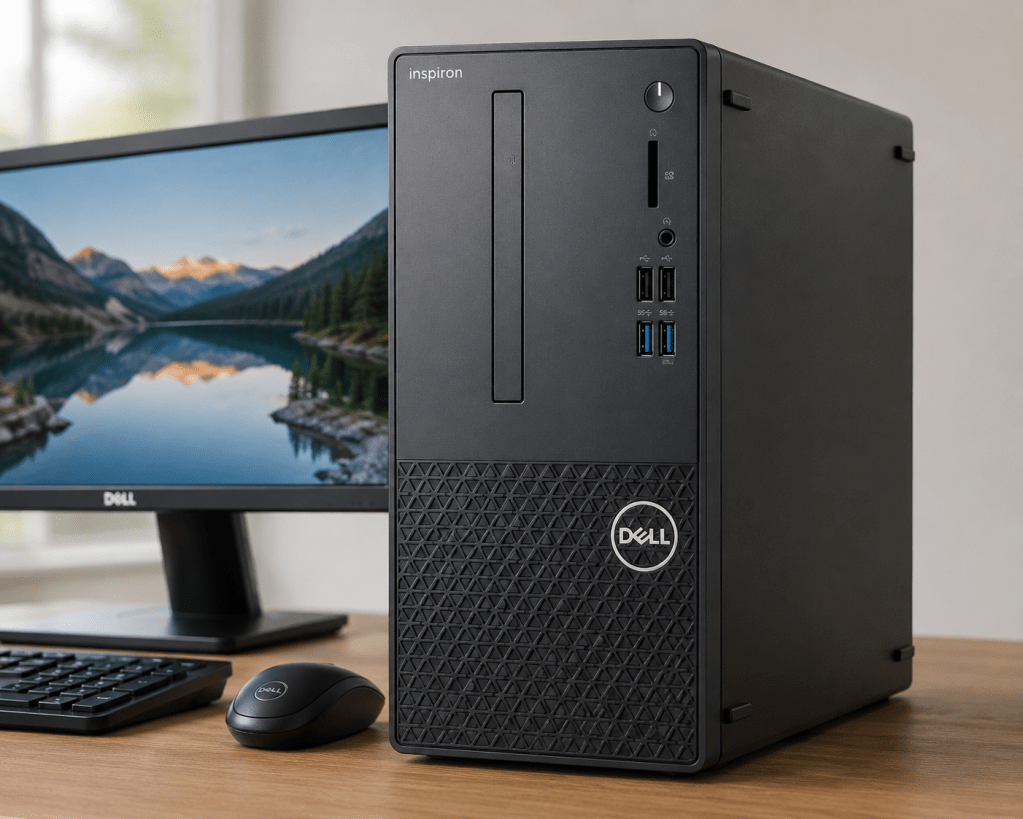
Recently, a neighbor contacted me about her Dell Inspiron 3910 desktop PC, which had become increasingly unstable and was frequently crashing.
When I arrived, one of the first things I checked was the computer’s storage. I immediately noticed that the C: drive was completely full, yet there were no obvious large files in common folders such as Documents, Downloads, or Pictures. Even the installed applications appeared normal.
After researching the issue through Microsoft support resources and other technical sources, I discovered that a Windows database file had grown unusually large and was consuming most of the available disk space. The issue appeared to be related to failed Windows updates that had not installed correctly.
I attempted several repair methods, including changing file permissions and using Command Prompt tools to rename or remove the file, but Windows continued to block those actions.
At that point, I discussed options with the client. Since there was very little personal data stored on the computer, we agreed that the most efficient solution would be to perform a clean installation of Windows 11.
What I expected to be a straightforward reinstall turned into an interesting troubleshooting exercise. During the installation process, the Dell system repeatedly bypassed the Windows installer and entered a network boot screen instead. After further investigation within the system BIOS, I determined that the computer was not locating the proper Windows boot loader file. Once I manually selected the correct EFI boot file, the Windows installation proceeded successfully.
After completing the installation, I installed updates, verified device drivers, restored Wi-Fi connectivity, and confirmed that the system was functioning properly.
Every computer problem is different. Sometimes the solution is obvious, and sometimes it requires patience, research, and a methodical troubleshooting process. In this case, the result was a fully restored computer and a very happy client.